Get paid in 5 minutes
Stripe needs to verify your identity before they can send you money. It's a one-time setup — here's exactly what to expect, step by step.
What you'll need ready
Grab these before you start and you'll fly through it.
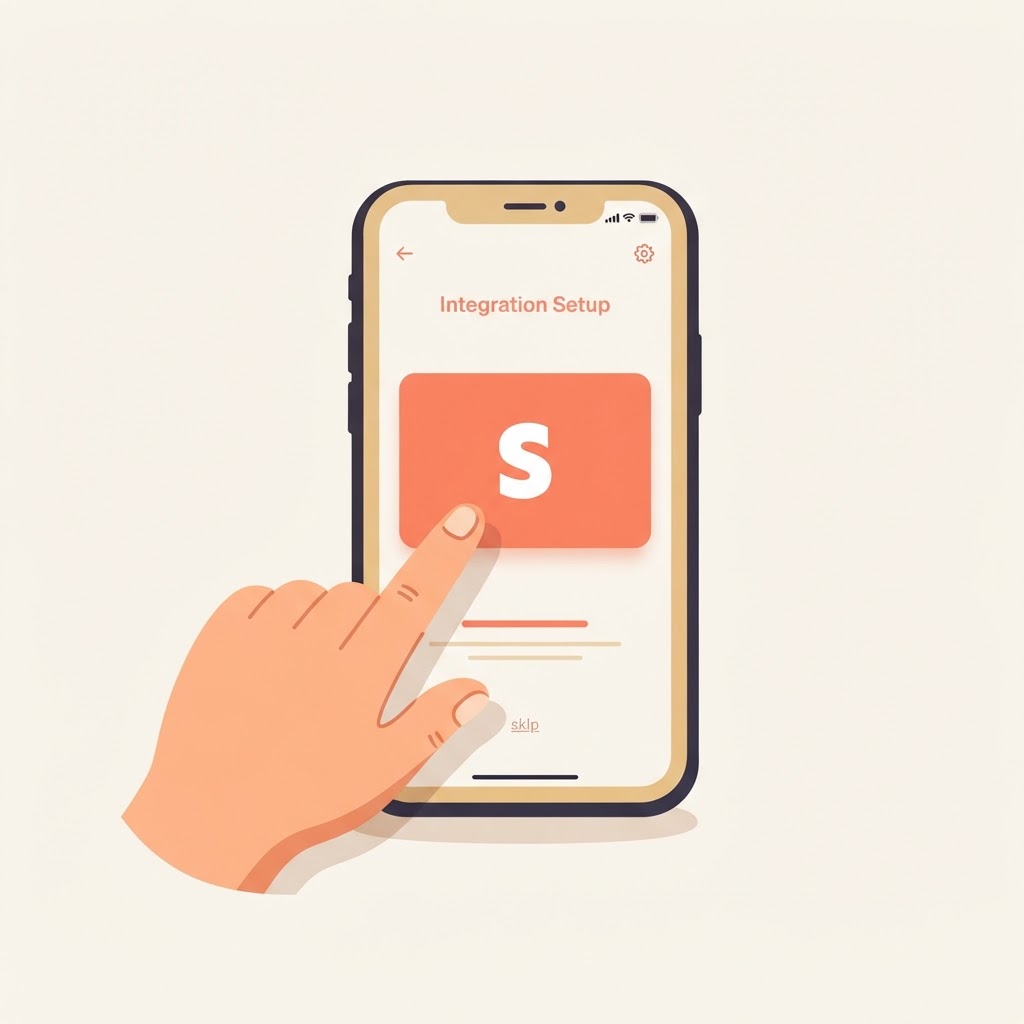
Tap "Connect Stripe"
From your dashboard, tap the Connect Stripe button. We pre-fill your name and email so you can skip straight ahead.
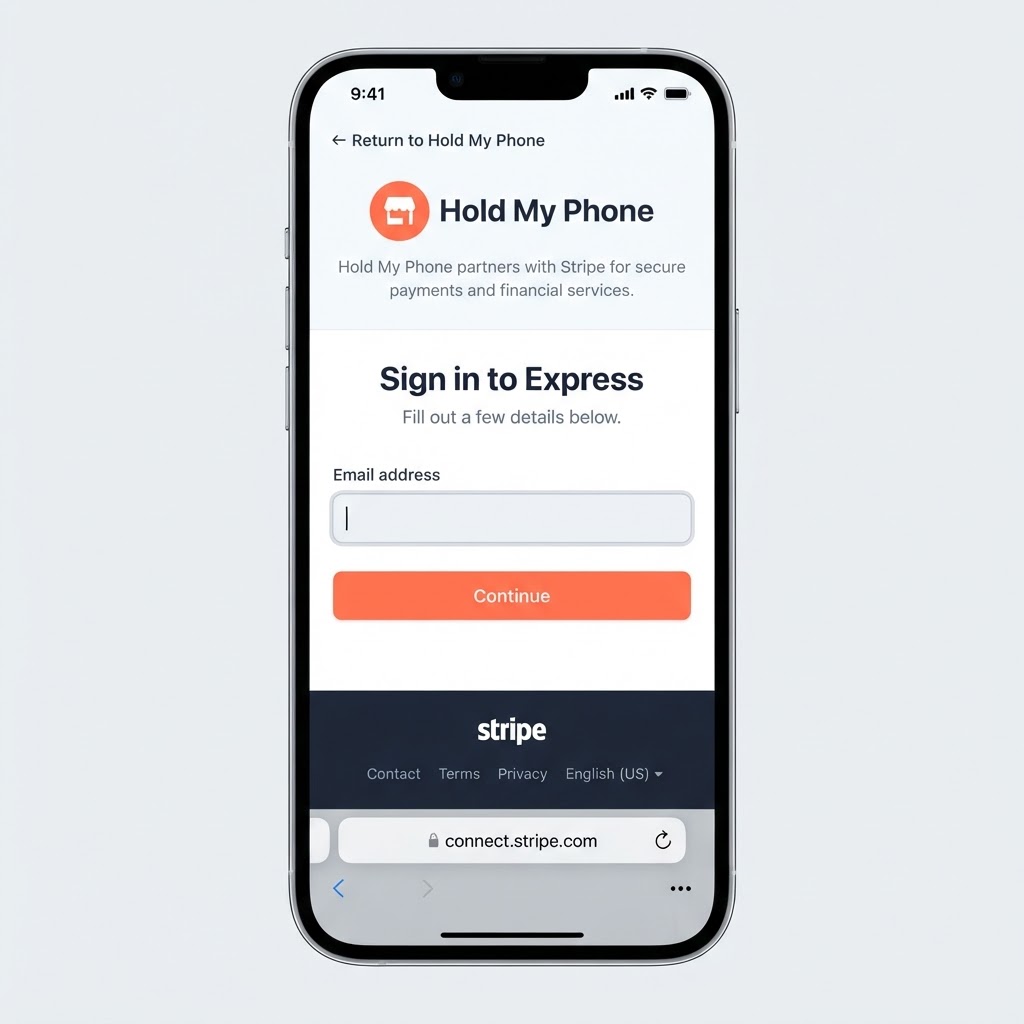
Sign in to Stripe Express
You'll land on Stripe's secure sign-in screen — branded with Hold My Phone colors. Enter the email you want tied to your payouts and tap Continue. Stripe handles everything from here; we never see your details.
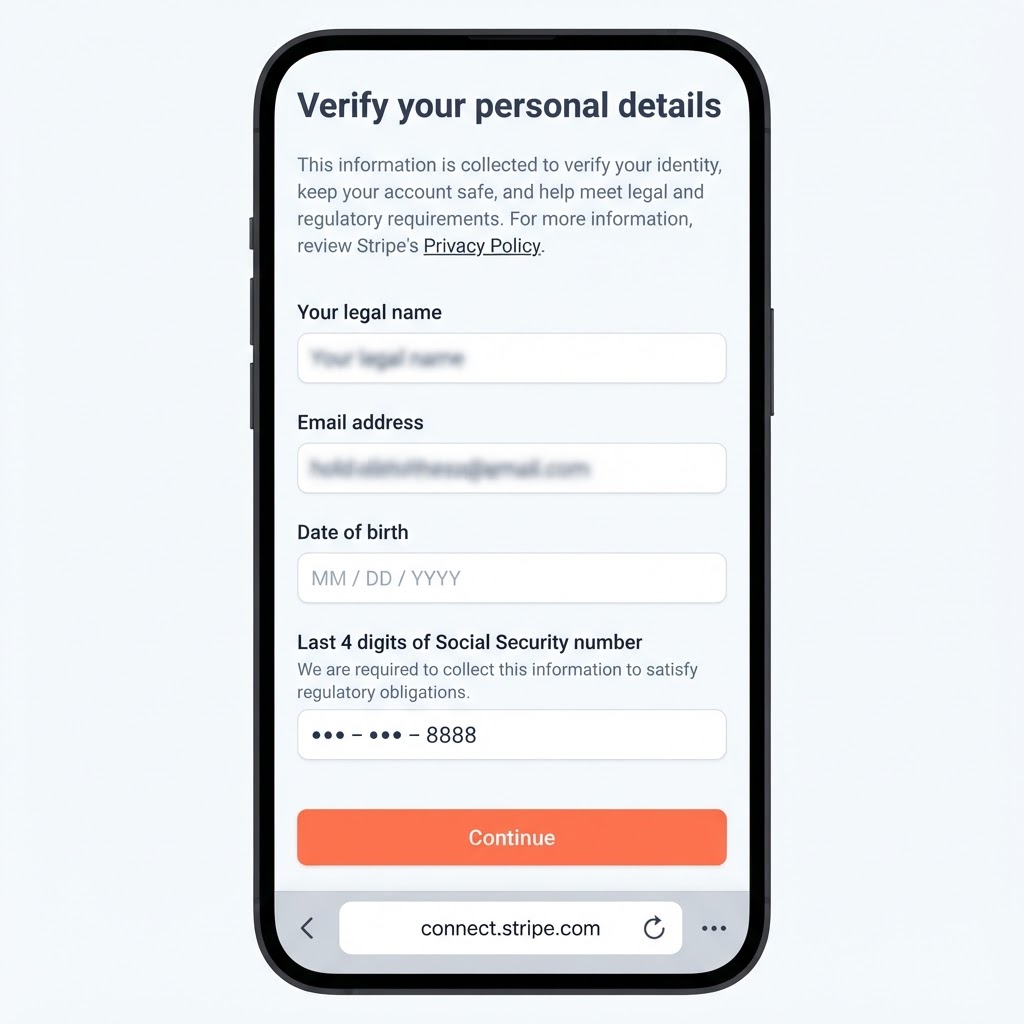
Verify your personal details
Stripe asks for your legal name, date of birth, and the last 4 digits of your SSN. This is a federal requirement to verify anyone receiving money — your info stays with Stripe, not us. (Personal info blurred here for privacy.)
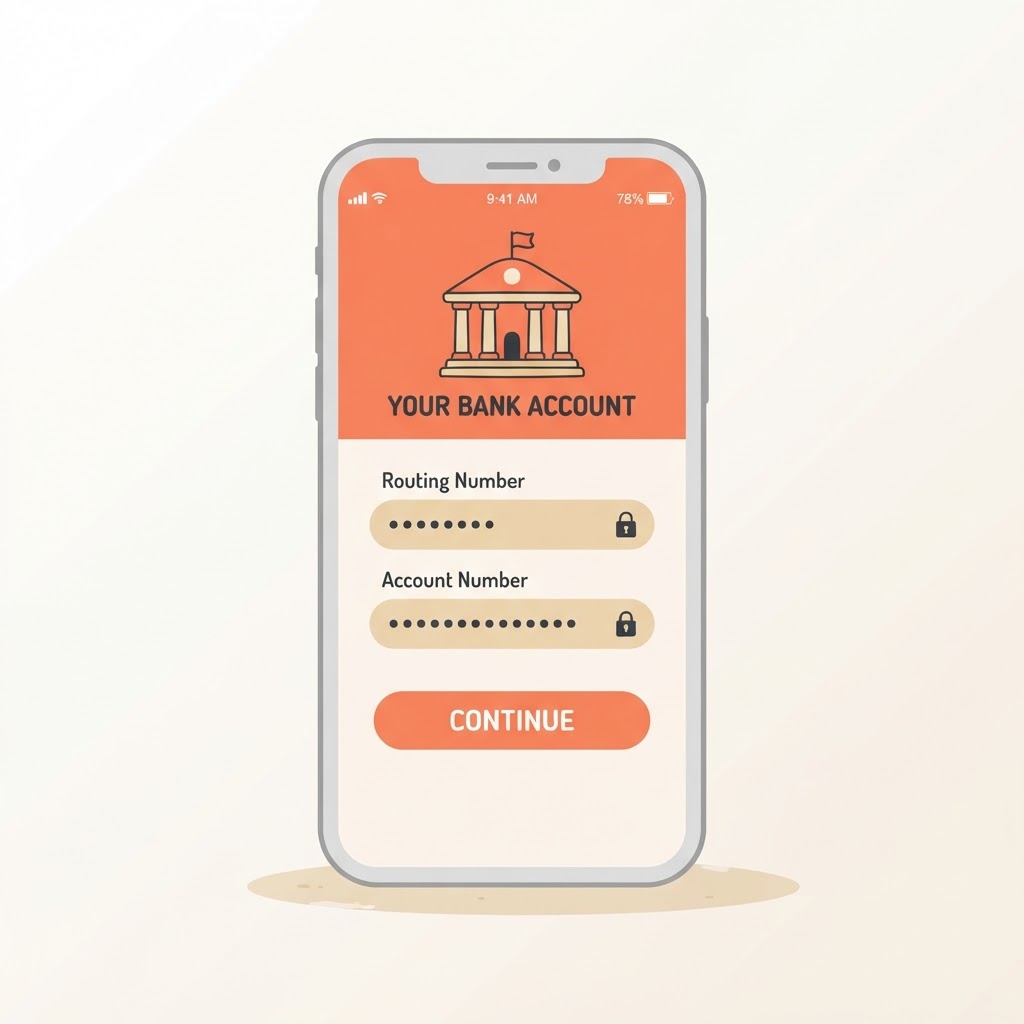
Add your bank account
Enter your routing and account numbers so Stripe knows where to send your payouts. You can use a checking or savings account.
You're done — get paid
That's it. After each completed shoot, your payout lands in your bank automatically within 1–2 business days. No invoices, no chasing.
Common questions
That's the whole process
Five minutes, one time, and you're set to receive payouts forever. Download this guide to reference while you complete it.